
In a world where data breaches are more common than Monday blues, End-to-End Encryption (E2EE) is your best bet to keep sensitive messages private.
But how does E2EE work? And how can you build it into your app? Let’s break it down like a true dev wizard with examples, memes, and minimal crypto jargon.
What is End-to-End Encryption?

End-to-End Encryption means:
- Only the sender and the receiver can read the messages
- Not even the server (or the app provider) can peek inside
Think of it like sending a locked box where only the receiver has the key.
Core Concept: Asymmetric Encryption
You need a pair of keys:
- Public Key – shared with everyone
- Private Key – kept secret on the device
You encrypt using the receiver's public key. Only they can decrypt using their private key.
// Encrypting
const encryptedMessage = encrypt(message, recipientPublicKey);

// Decrypting
const decryptedMessage = decrypt(encryptedMessage, myPrivateKey);
Step 1: Key Generation on Client
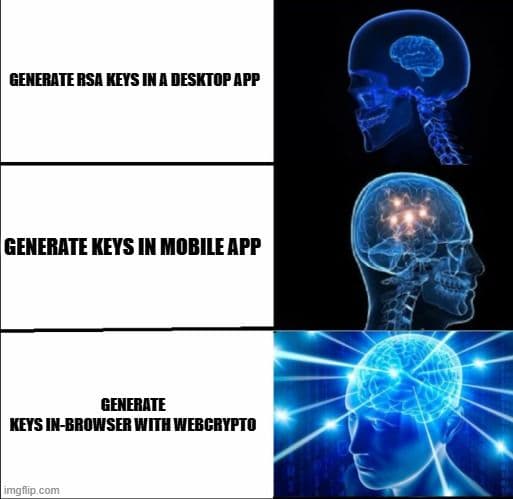
Use the WebCrypto API or libraries like tweetnacl to generate keys.
const { publicKey, privateKey } = crypto.generateKeyPair();Store the private key securely (in IndexedDB, or encrypted in localStorage).
Step 2: Share Public Key
When a user signs up or logs in, send their public key to the server.
POST /register-public-key
{
  userId: "user123",
  publicKey: "base64-encoded-public-key"
}
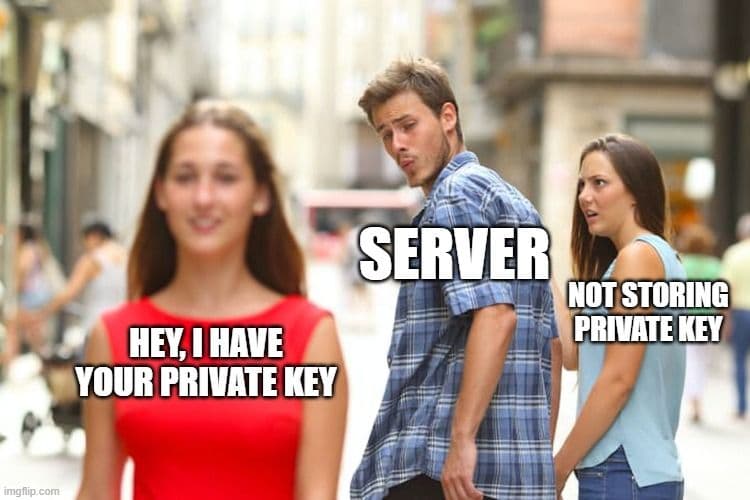
The server stores public keys only no private keys ever.
Step 3: Encrypt Before Sending
When Alice sends a message to Bob:
- She fetches Bob’s public key from the server
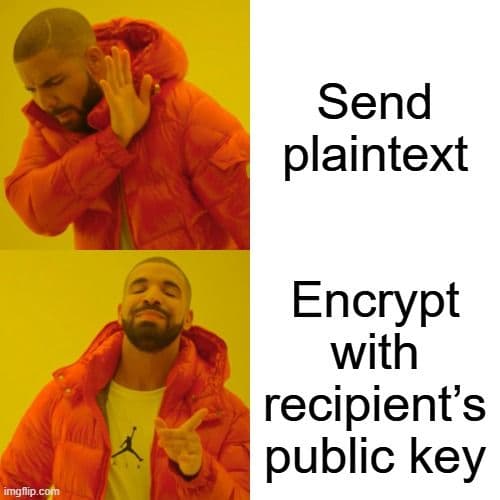
- Encrypts the message with it
- Sends the encrypted blob
const encrypted = encryptWithPublicKey(message, bobPublicKey);

POST /send-message
{
  to: "bob",
  message: encrypted
}
Step 4: Decrypt on Receiver’s Device
Only Bob’s device has the private key to decrypt the message.
const message = decryptWithPrivateKey(encryptedMessage, bobPrivateKey);Server never knows what's inside. Like a blind pigeon delivering a note. 🐦
What if the User Loses Their Private Key?
If the private key is gone, so is access to past messages. This is by design.
Solutions:
- Let users export encrypted backups
- Use device linking (QR-based key sync)
- Allow optional cloud storage (with strong encryption)
const backup = encryptWithPassword(privateKey, userPassword);Conclusion
End-to-End Encryption is:
- Not too hard to implement
- Extremely powerful
- A user’s best friend when done right
Just remember:
- Never send private keys to the server
- Always encrypt before sending
- Plan for backup and recovery if needed